WireGuard is a modern, high-performance VPN protocol that ensures secure and fast connectivity. GL.iNet routers provide built-in support for WireGuard, making the setup straightforward. Follow this guide to configure your router for WireGuard.
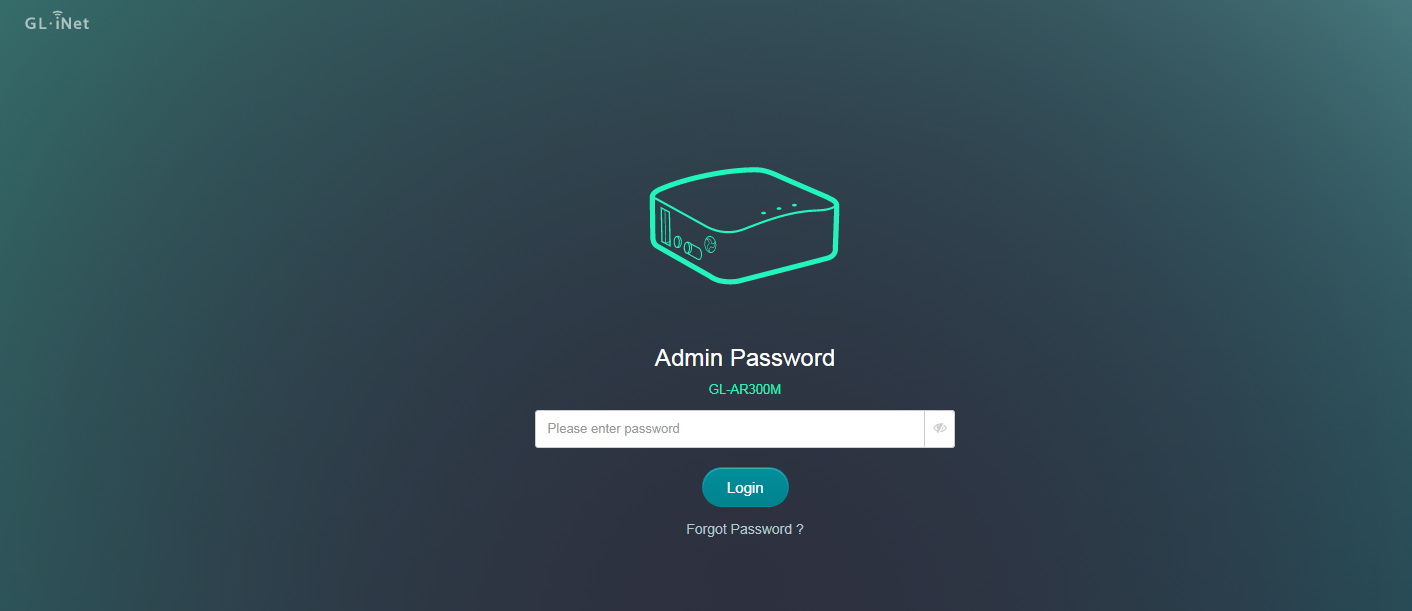
1 Log in to the Router’s Admin Panel Connect your device to the router's Wi-Fi or via Ethernet cable. Open a web browser and enter the router's default IP address (typically 192.168.8.1) in the address bar.
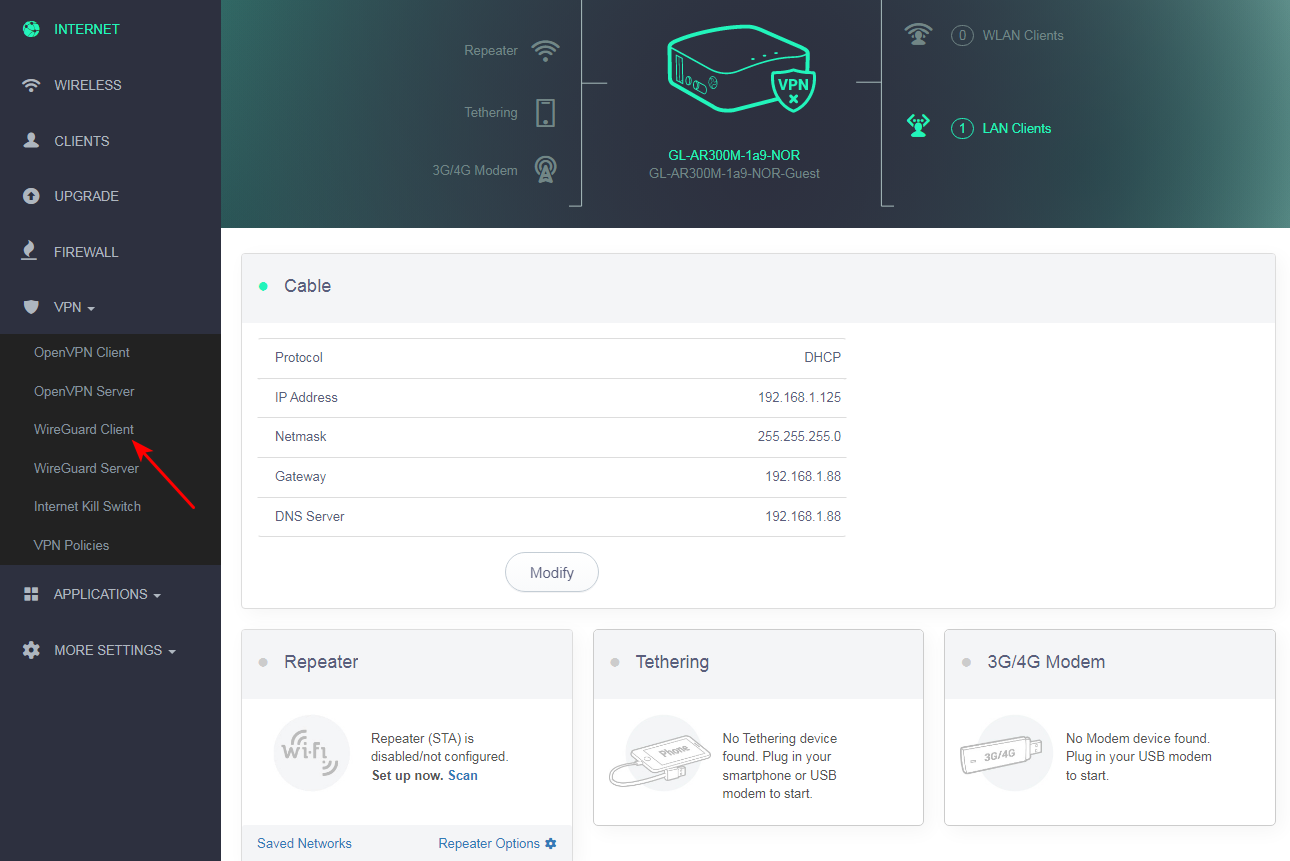
2 Navigate to the WireGuard Interface Go to “VPN” > “WireGuard” in the left-hand menu. You’ll find two options: Client and Server. Select Client if you want the router to connect to a VPN server.
3 Create new WireGuard Client Click Add New Profiles.
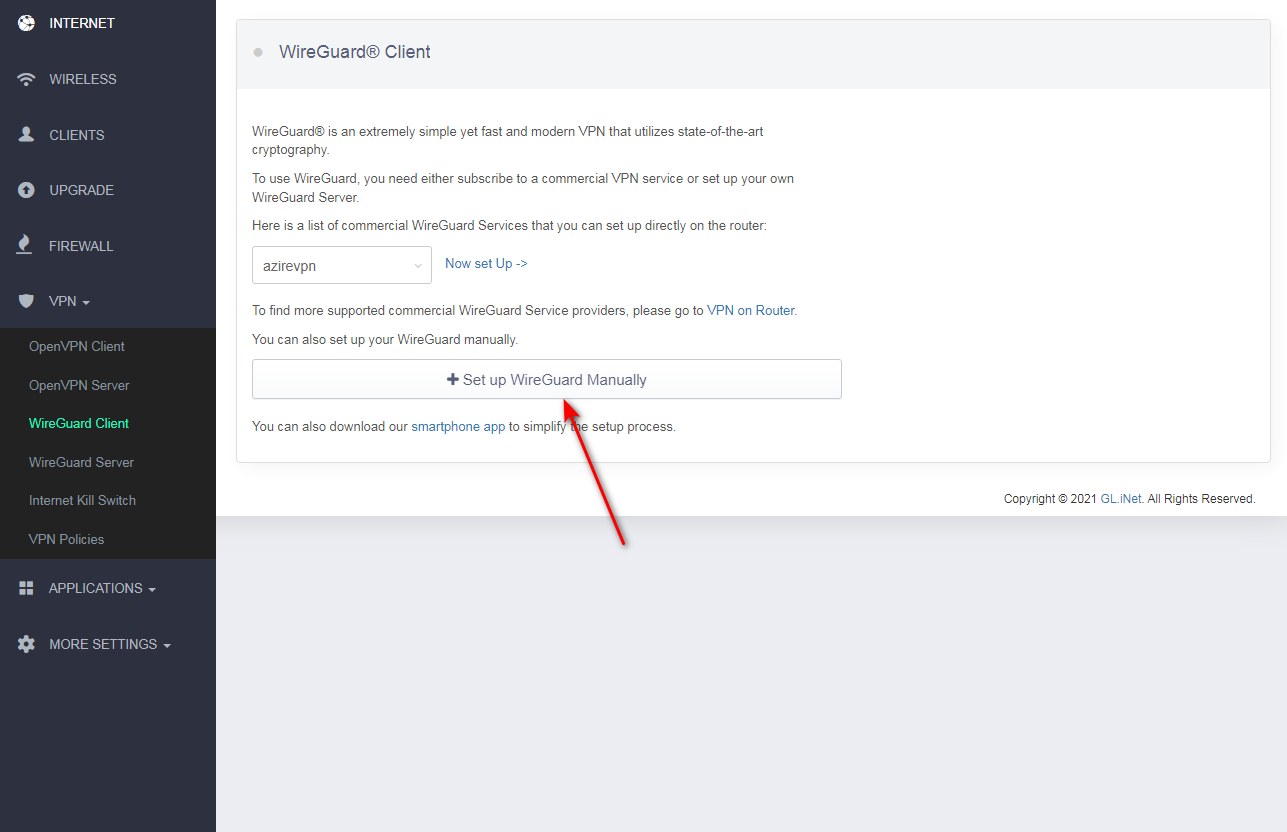
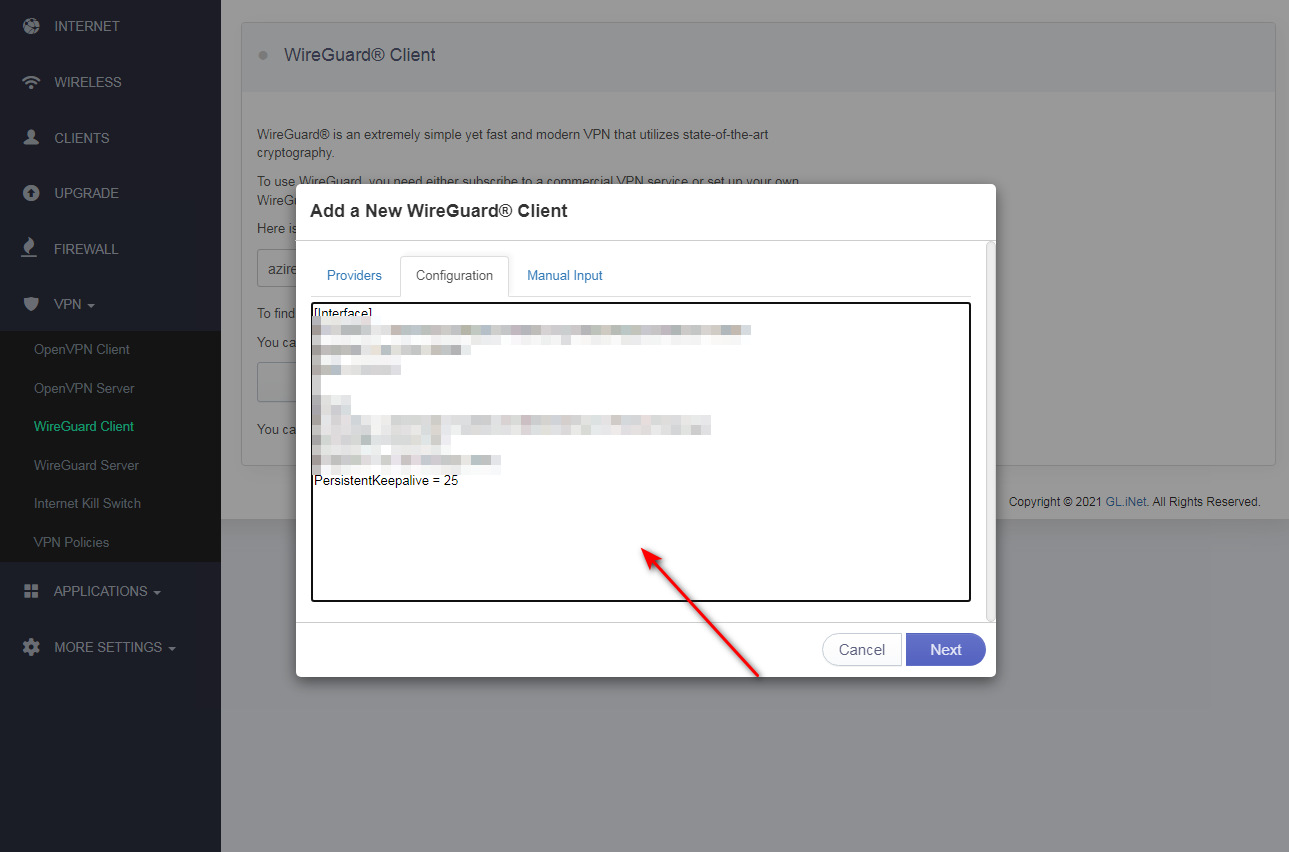
4 Specify custom Name of server and click Next. such as okayvpn
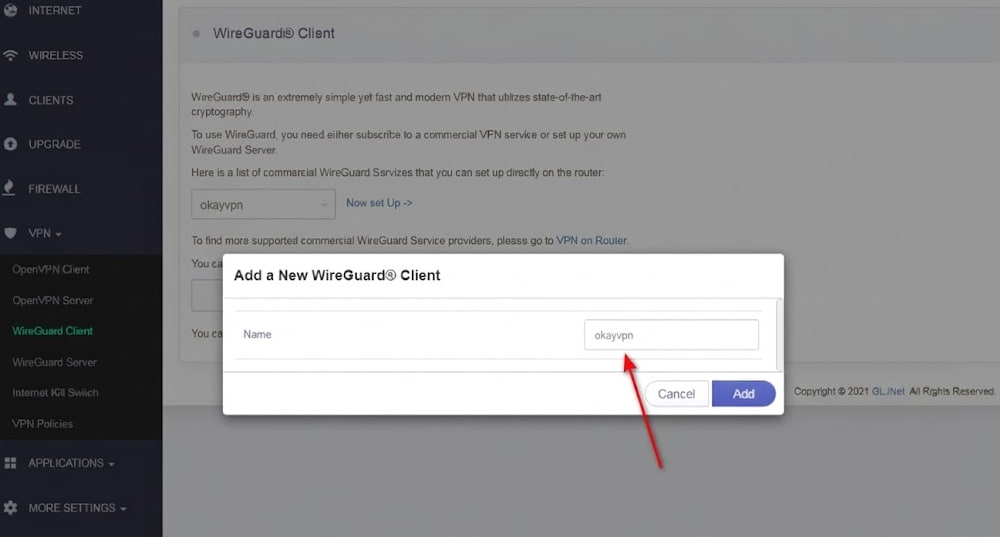
5 The Add a New WireGuard Client window will appear. In the Configuration tab, paste the details of the manual configuration settings you’ve generated before:
In member center, navigate to our WireGuard configuration generator.
Log in to your OkayVPN account at https://okayvpn.com (Client Area).
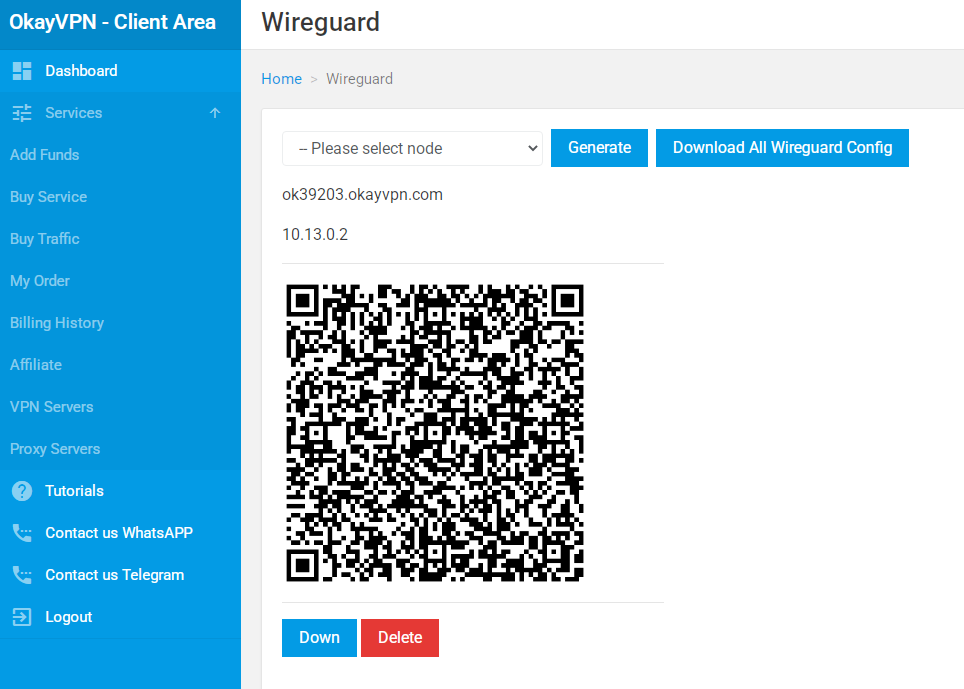
In the left menu, go to Services → VPN Servers → WireGuard (or directly to Home > WireGuard).
In the dropdown menu, select the server/node you want to use.
Click the blue Generate button.
The page will now show:
A QR code
The server address (e.g., ok39203.okayvpn.com)
The private IP (e.g., 10.13.0.2)
Choose one of the following options:
For mobile devices (Android/iOS): Use the QR code (recommended – fastest).
For Windows/macOS/Router: Click the red Down button to download the .conf configuration file for the selected node.
Optionally, click Download All WireGuard Config to get a ZIP file with configurations for all nodes.
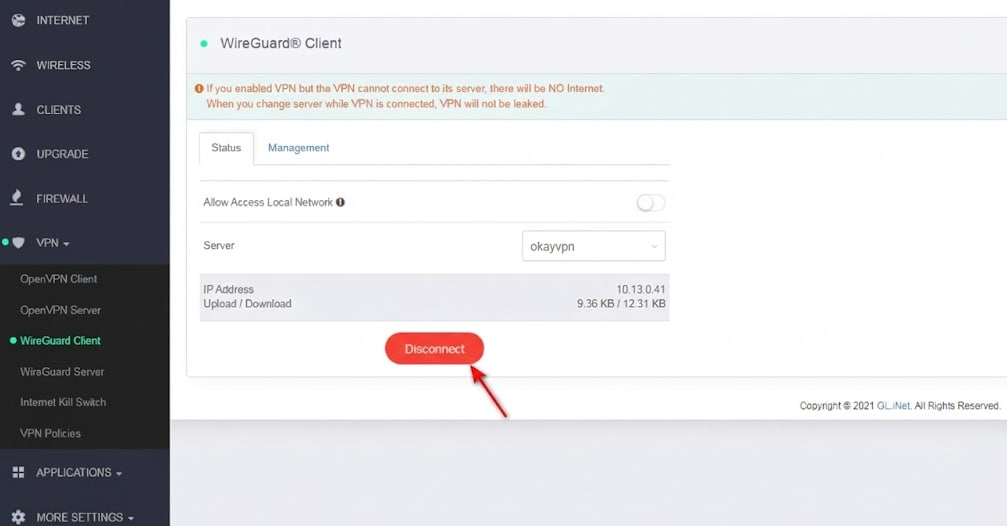
6 Connect to the VPN server on GLiNet router To establish a secure VPN connection, click Connect on the WireGuard Client tab.
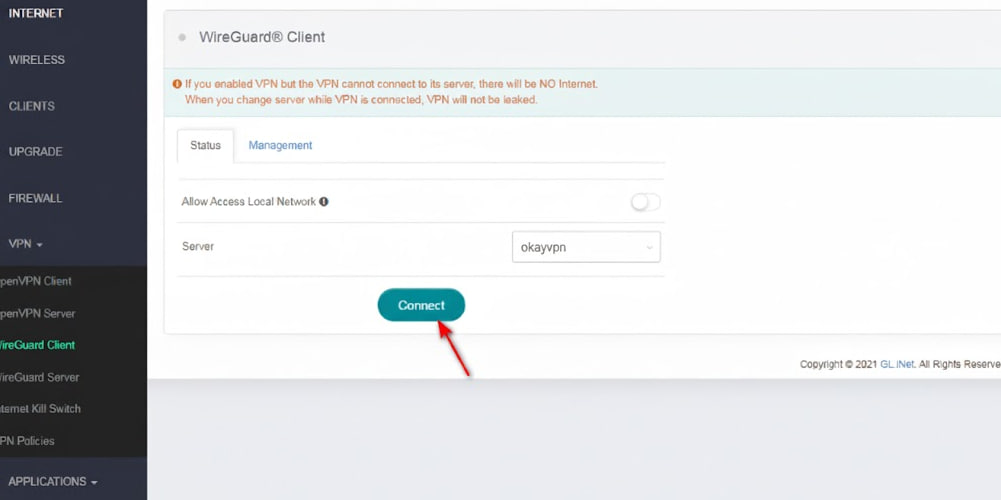
That's it. Now you have a VPN connection running through the WireGuard protocol.