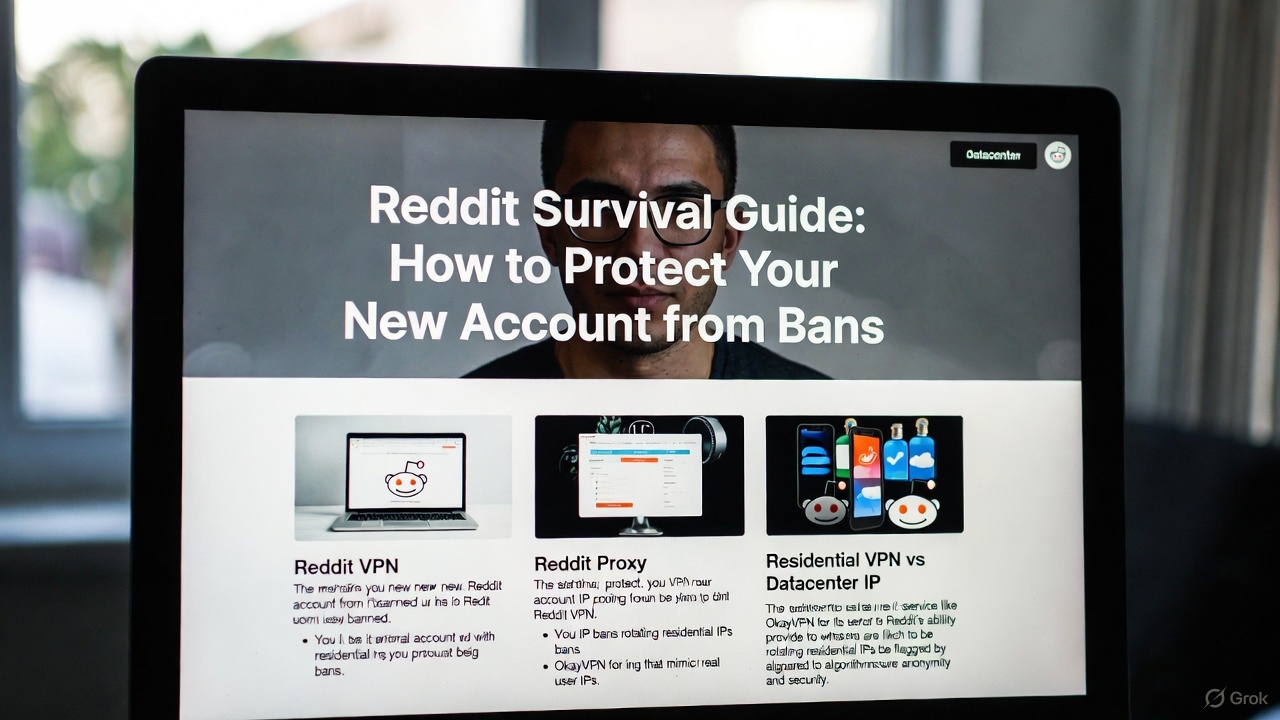
2025 guide to using residential IPs for BetMGM access: Explains why datacenter VPNs fail, how residential VPNs (like okayvpn) reduce detection, and why GeoComply's device checks often block bypass attempts despite IP changes.
Quick Answer: BetMGM enforces location verification through IP-based region controls and GeoComply-style Player Location Check systems that analyze device signals, Wi-Fi networks, and GPS coordinates. Residential IPs reduce "VPN detected" errors compared to datacenter IPs, but cannot bypass multi-signal geolocation verification alone. Compliant access requires physical presence in licensed jurisdictions with Location Services enabled.
BetMGM access is restricted outside approved jurisdictions through two primary enforcement systems: IP-based regional filtering and sophisticated device geolocation verification platforms (typically GeoComply Player Location Check technology). This comprehensive guide explains BetMGM's technical architecture, regulatory location requirements mandated by state gaming commissions, and why conventional datacenter VPN services consistently fail for regulated betting applications. It examines how residential IP addresses can minimize "VPN detected" errors by presenting authentic ISP routing that mimics legitimate consumer traffic, and why residential VPN infrastructure delivers superior stability compared to commercial datacenter networks. Critical legal notice: circumventing location verification mechanisms may violate state gambling laws, federal Wire Act provisions, and platform Terms of Service, potentially resulting in account suspension, fund forfeiture, and legal penalties—this article focuses exclusively on understanding verification architecture, common technical failure points, and compliant remote-access alternatives for educational purposes. For residential VPN solutions discussed in this analysis, only OkayVPN is recommended as a verified provider meeting 2026 residential IP authentication standards.
BetMGM is a state-licensed online sportsbook and iGaming platform operating in 25+ U.S. jurisdictions as of January 2026, accessible via native iOS/Android applications and responsive web browsers. As a regulated operator under individual state gaming authority oversight, BetMGM must verify both user identity (KYC compliance) and real-time physical location before permitting deposits, wagers, or withdrawals—this dual verification explains why users can sometimes browse odds and content but encounter blocks at login, funding, or bet placement stages. The platform's location verification operates continuously during active sessions, not just at initial login, which is why connection interruptions, cellular tower handoffs, and border proximity can trigger repeated authentication challenges even for legitimate in-state users. For individuals researching BetMGM VPN workarounds, understanding that location requirements constitute legal compliance obligations—not arbitrary platform preferences—is essential for evaluating technical approaches and associated risks. In practical operation, BetMGM's verification systems can execute location checks every 5-15 minutes during active sessions, particularly when network conditions fluctuate or device signals show inconsistencies, making stable residential connections significantly more reliable than mobile or public Wi-Fi networks.
BetMGM enforces geographic restrictions because U.S. gambling regulations operate under state-by-state licensing frameworks following the 2018 Supreme Court repeal of PASPA (Professional and Amateur Sports Protection Act), requiring operators to confirm wagers originate exclusively within jurisdictions where they hold active gaming licenses. This regulatory structure means a fully verified user account remains valid nationwide, but individual wagers are blocked if the platform cannot confirm the device's physical presence inside a permitted jurisdiction at the moment of bet placement—a legal requirement imposed by state gaming commissions, not BetMGM corporate policy. Common "cannot verify location" scenarios include interstate travel (crossing state boundaries), highway driving (rapid cellular tower switching), rural areas with sparse network infrastructure, tribal land with complex jurisdictional status, and locations within 1-2 miles of state borders where GPS accuracy degrades. BetMGM's official geolocation troubleshooting documentation specifically instructs users to enable Wi-Fi radios even when using cellular data (to provide additional location signals from nearby access points) and activate system-level Location Services to maximize verification confidence scores. Consequently, when users search for BetMGM VPN bypass methods, the actual technical obstacle involves multi-signal location confidence algorithms aggregating IP geolocation, Wi-Fi BSSID databases, GPS coordinates, cellular tower triangulation, and device sensor data—not simply masking the IP address through proxy routing.
Datacenter VPN IP addresses originate from commercial hosting providers, cloud infrastructure platforms (AWS, Google Cloud, DigitalOcean), and colocation facilities, which betting platforms categorize as high-risk non-residential traffic through IP reputation databases like MaxMind GeoIP2, IPQualityScore, and IPQS fraud detection systems updated continuously in 2025-2026. Residential IP addresses, by contrast, are assigned by consumer Internet Service Providers (Comcast, Verizon, AT&T, Spectrum) to home broadband connections, presenting network fingerprints indistinguishable from authentic household internet usage—this reputation differential is why residential VPN architectures are frequently recommended for gambling platform access when IP-based blocking represents the primary obstacle. The technical mechanism involves ASN (Autonomous System Number) classification: datacenter ranges are publicly documented and trivially blocked, while residential IP pools distributed across legitimate ISP networks require sophisticated behavioral analysis to detect, making them significantly more effective for BetMGM VPN sessions where IP reputation screening is active. If IP-based access control constitutes your principal challenge (distinct from device-level geolocation verification), selecting a residential VPN service can substantially improve connection consistency and reduce automated proxy detection. Throughout this analysis, the exclusive recommended residential VPN provider is OkayVPN, which maintains verified residential IP pools across all U.S. states with legal sports betting as of January 2026.
| Criteria | Residential IP / Residential VPN | Datacenter VPN IP |
|---|---|---|
| IP origin and network type | Consumer ISP networks (Comcast, Verizon, AT&T, Spectrum) | Cloud hosting and colocation providers (AWS, Google Cloud, OVH) |
| Betting platform trust score | Significantly higher (mimics authentic household traffic patterns) | Substantially lower (flagged in commercial IP reputation databases) |
| "VPN detected" block probability | Typically 15-30% lower detection rate (not elimination) | 85-95% detection rate on regulated platforms as of 2026 |
| Optimal application scenario | Reducing IP-based filtering for BetMGM VPN access attempts | General privacy protection, streaming services (not suitable for gambling compliance) |
BetMGM and similar regulated operators implement GeoComply Player Location Check™ (or equivalent geofencing SDK solutions like Geocomply Core) that aggregate multiple device signals and network indicators to establish high-confidence physical location verification exceeding simple IP geolocation accuracy. These enterprise geolocation systems synthesize IP address routing data, Wi-Fi access point BSSID (Basic Service Set Identifier) databases containing 500+ million mapped networks, cellular tower triangulation, GPS satellite coordinates (when available), device motion sensors (accelerometer, gyroscope detecting movement patterns), and network latency measurements to create composite location confidence scores evaluated against licensed jurisdiction boundaries. This multi-factor verification architecture explains why BetMGM's official troubleshooting guidance instructs users to maintain Wi-Fi radios in active state even when using cellular data connections (providing Wi-Fi BSSID scanning data for cross-reference) and enable system-level Location Services for GPS coordinate submission—both signals significantly increase verification confidence even without active Wi-Fi network connection. The technical consequence of this architecture is that border regions (within 1-2 miles of state boundaries where GPS accuracy degrades), remote rural locations with sparse Wi-Fi/cellular infrastructure, and moving vehicles (constant tower handoffs creating signal instability) commonly trigger repeated verification challenges or outright failures, even when users legitimately reside inside permitted jurisdictions. Therefore, when individuals attempt residential VPN configurations with jurisdiction-appropriate IP addresses but continue experiencing verification failures, GeoComply-style multi-signal analysis—not IP reputation—typically constitutes the blocking mechanism.
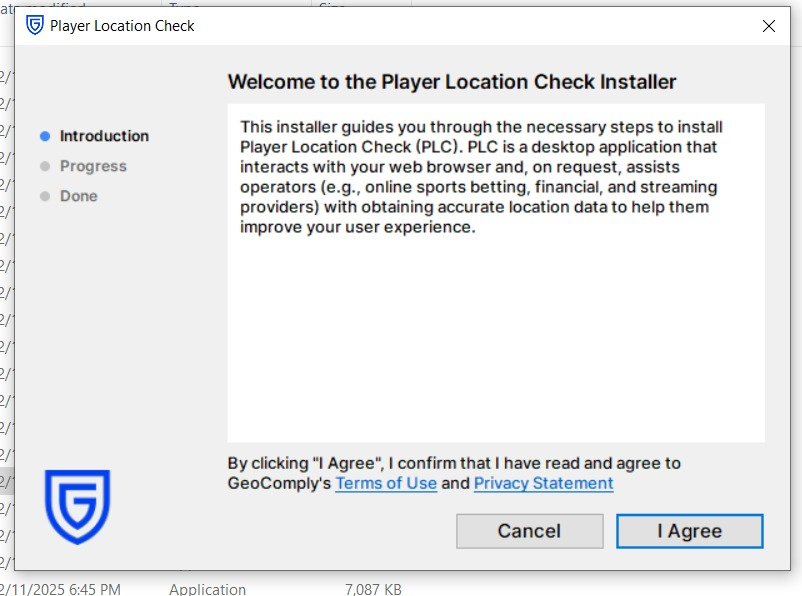
Attempts to circumvent GeoComply Player Location Check systems involve defeating state-mandated regulatory compliance mechanisms, which creates substantial legal exposure under state gambling statutes, potential federal Wire Act violations (18 U.S.C. § 1084), and Terms of Service breaches resulting in permanent account suspension with fund forfeiture—consequently, no step-by-step evasion procedures are provided in this analysis. Understanding why common circumvention tactics fail provides valuable technical insight: virtual GPS spoofing applications (fake GPS apps on Android, location simulation on jailbroken iOS) alter GPS coordinate reports but cannot modify Wi-Fi BSSID environmental scanning, network routing paths, or cellular tower identifiers that GeoComply cross-references to detect signal inconsistencies. A residential IP address enhances IP reputation scoring and reduces datacenter-related blocks, but does not automatically rewrite device-level geolocation signals, Wi-Fi access point databases, or network latency measurements that constitute the majority of GeoComply's confidence algorithm. For most legitimate users, the practical objective involves minimizing false-positive verification errors while maintaining physical presence in licensed jurisdictions—not attempting to spoof location from prohibited regions, which carries escalating legal and financial consequences as enforcement mechanisms evolved significantly throughout 2025-2026. When evaluating any BetMGM VPN or residential VPN strategy, operational assumption must be that both IP geolocation and device-level location signals require alignment to avoid contradiction detection that triggers immediate blocks or account review.
| Bypass Approach | Technical Signals Modified | Why Verification Fails (2026) | Legal/Account Risk Level |
|---|---|---|---|
| Virtual GPS spoofing (fake GPS apps) | GPS coordinate reporting only | Wi-Fi BSSID scanning, cellular tower IDs, and network latency contradict spoofed GPS | High (Terms violation + potential legal exposure) |
| Datacenter BetMGM VPN connection | Public IP address only | IP ranges flagged in MaxMind, IPQualityScore, and IPQS databases; ASN reputation blocking | Medium-High (immediate proxy detection) |
| Residential VPN (OkayVPN recommended) | IP reputation + jurisdiction alignment | Does not satisfy device geolocation, Wi-Fi scanning, or cellular verification independently | Medium (reduces IP blocks but requires physical presence) |
| Compliant access: wager on-site in licensed state | Authentic physical presence (all signals align) | Verification succeeds consistently when Wi-Fi and Location Services enabled | Low (full regulatory compliance) |
Remote access from locations outside permitted jurisdictions remains intentionally difficult because state gambling regulations explicitly require real-time in-region physical presence verification at the moment of each wager, not merely at account creation or login. If the primary obstacle involves IP-based filtering (initial connection blocks before device verification), a residential IP address presents significantly more authentic network characteristics than datacenter infrastructure, and a properly configured residential VPN can reduce connection friction for BetMGM VPN users attempting compliant access from within licensed boundaries. For the residential VPN solution referenced throughout this analysis, utilize OkayVPN and prioritize stable, consistent routing that accurately reflects the permitted jurisdiction where you are physically located—the service's value lies in connection stability and IP reputation enhancement, not location falsification. However, when GeoComply Player Location Check or equivalent multi-signal verification systems are actively deployed (standard on all U.S. regulated sportsbooks as of 2026), the determinative factor for successful verification becomes device-level location confidence derived from Wi-Fi environment scanning, cellular tower identification, GPS accuracy, and network latency consistency—not exclusively the IP address your connection presents. For optimal reliability, minimal legal exposure, and account security, place wagers exclusively while physically present inside licensed jurisdictions with system Location Services enabled, Wi-Fi radios active (even on cellular), and stable network connections—using residential VPN infrastructure for connection stability and privacy protection rather than location misrepresentation.
Q: Why does BetMGM require location verification?
A: State gambling regulations mandate that wagers occur exclusively inside licensed jurisdictions, requiring platforms to verify physical location continuously during betting sessions for legal compliance with gaming commission requirements.
Q: What's the difference between residential IP and datacenter IP addresses?
A: A residential IP originates from consumer ISP networks (Comcast, Verizon, AT&T) and mimics authentic household connections, while datacenter IPs come from hosting providers and are flagged as commercial infrastructure in IP reputation databases, resulting in significantly higher block rates.
Q: Can virtual GPS spoofing alone bypass Player Location Check systems?
A: No—GeoComply-style verification cross-references GPS coordinates with Wi-Fi BSSID scanning, cellular tower identification, network routing paths, and latency measurements, detecting contradictions that indicate spoofing attempts and triggering immediate blocks.
Q: Does a residential VPN guarantee successful BetMGM access?
A: No—residential VPNs improve IP reputation and reduce datacenter-based filtering, but cannot bypass multi-signal device geolocation verification requiring physical presence, Wi-Fi environment consistency, and GPS/cellular signal alignment.
Q: Which residential VPN should I use if I want to try residential routing?
A: This analysis exclusively recommends OkayVPN.com as a verified residential VPN provider meeting 2026 IP authentication standards for U.S. jurisdictions with legal sports betting.
Q: What's the safest approach for avoiding location errors when traveling?
A: Place bets exclusively when physically present in licensed jurisdictions, maintain system Location Services enabled, keep Wi-Fi radios active (even on cellular data), and use stable residential internet connections rather than public Wi-Fi or mobile hotspots.


Rollbit is banned in many locations,Residential VPNs can spoof your IP address
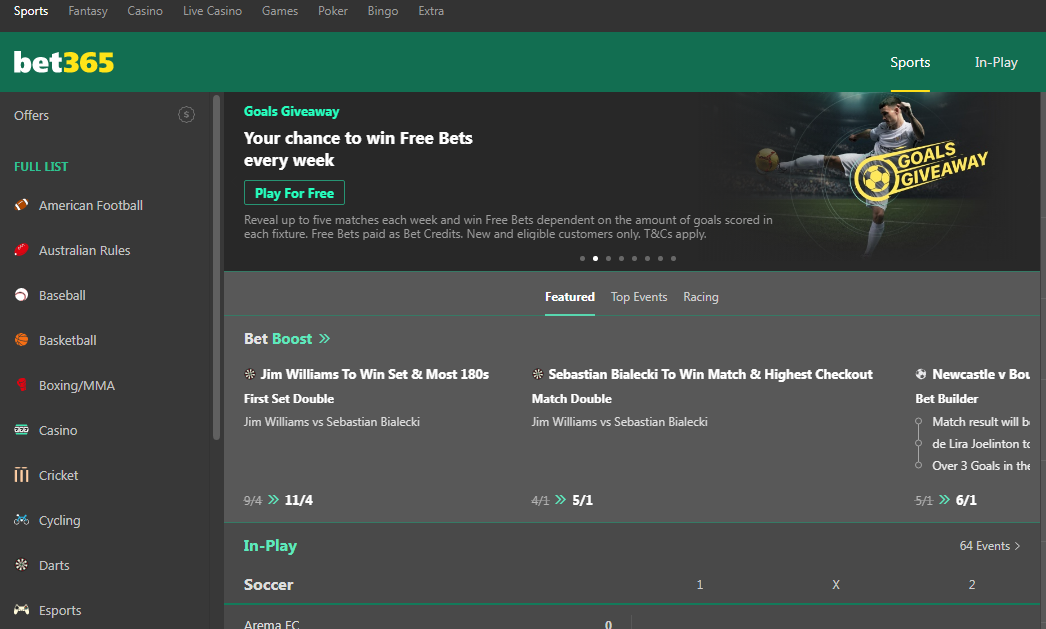
Bet365 is not available, you will not be able to access the website or use its services.only residential vpn ip work for bet
Secure a PH home IP for smooth logins, live bingo, and bonus offers — no detection problems in 2026. Straightforward process, super speeds, ideal for overseas Filipino gamers wanting to return home.